シームレスで安全なカレンダークライアントとメールプロバイダー

カレンダーとメール機能だけしか使えないアプリで妥協しないでください。Zoom Workplaceに含まれるZoom MailとZoom Calendarなら、カレンダー、メールサービス、チャット、電話の通話、バーチャルミーティングなど、さまざまな機能を単一アプリでご利用いただけます。

シームレスで安全なカレンダークライアントとメールプロバイダー

アプリやタブの切り替えは面倒ですか?

平均的なユーザーは、別々のアプリケーションやウェブサイトを1日に約1,200回程度も切り替えています。

ハーバードビジネスレビュー(2022年8月)
Zoom の自分の受信ボックス

メール、カレンダーなどの機能をすべて1か所に集約

Zoom Workplaceアプリを、Gmail*または職場や学校のMicrosoft 365アカウントと接続すると、既存のメールやカレンダーサービスをZoom Meetings、Zoom Chat、Zoom Whiteboard、Zoom Phoneと一緒に使用できます。Zoomプランに含まれているZoom Mail & Calendarクライアントで、時間を節約して集中力を維持しましょう。


* Google APIから受信した情報をZoom Mailクライアントで使用する際は、使用制限についての要件を含め、Google APIサービスのユーザーデータに関するポリシーを順守してください。


Zoom MailクライアントとZoom Calendarクライアントでは、以下が可能です。

メリット

  • 虫眼鏡
    作業をさらに効率的に

    すべてのコミュニケーションを1か所で – メールアプリとZoom Workplaceアプリの間を行き来する必要はもうありません。

  • 歯車
    Zoom Workplaceアプリ内で直接使用

    Zoom Meetings、Zoom Phone、Zoom Chatなどがメールやカレンダーと一体化。

  • コンピュータ画面上の人々
    ミーティングにさっとアクセス

    Zoom Calendar のサイドバーから、簡単にミーティングに参加できます。

Secure email client with available end-to-end encryption

Secure email client with available end-to-end encryption

Emails sent directly between Zoom Mail Service accounts use secure end-to-end encryption for advanced privacy.
Built-in phishing and anti-spam protection

Built-in phishing and anti-spam protection

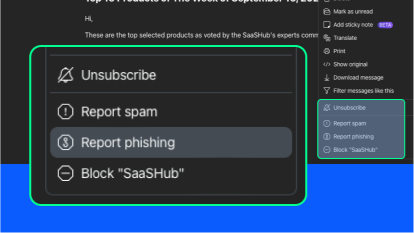
Report phishing emails directly in the Mail tab of the Zoom Workplace app and manage spam filters for your organization.

Email translation

Email translation

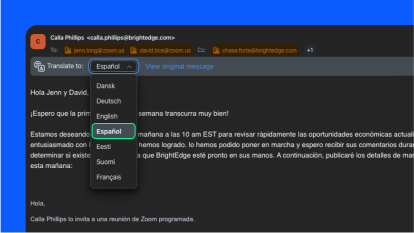
Translate email messages into over 30 supported languages with just a few clicks.

Third-party integrations with popular calendar and email providers

Third-party integrations with popular calendar and email providers

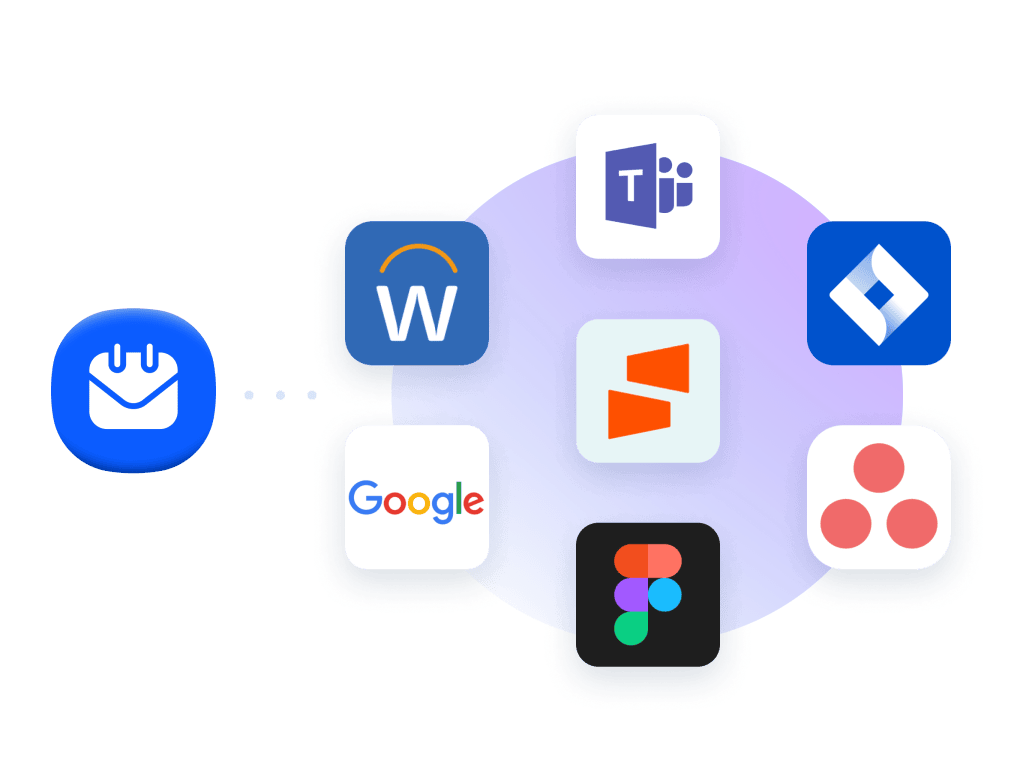
Connect your Google or Microsoft 365 account to view your emails and calendar events in Zoom Workplace.

Create custom email templates

Create custom email templates

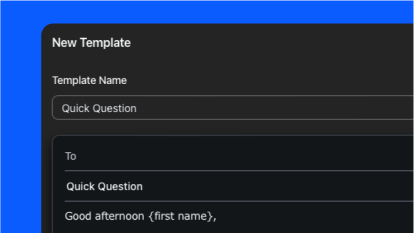
Save time by creating templates so you can quickly send new emails with prepared language.

Seamlessly migrate from your existing email provider

Seamlessly migrate from your existing email provider

Our bulk migration option lets you import batches of users from Gmail or Microsoft 365.

Custom email domain name

Custom email domain name

Add a custom domain owned by your organization.

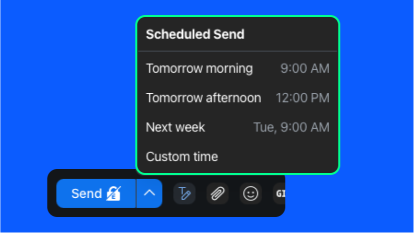
Schedule emails for a later date and time

Schedule emails for a later date and time

Choose to send your messages later by using our email scheduling feature.

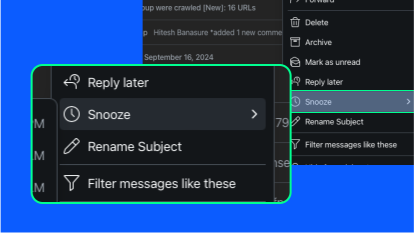
Snooze emails to fit your schedule

Snooze emails to fit your schedule

Easily de-prioritize less important emails or snooze emails to arrive during your work hours so you don't forget to respond to or follow up on an important message.

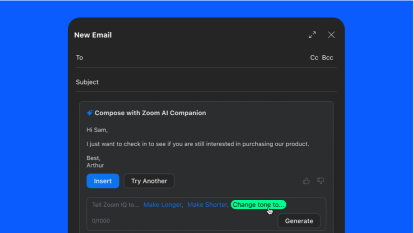
ZoomMate email compose

ZoomMate email compose

Let ZoomMate help you compose email messages and refine them with the right tone and length.

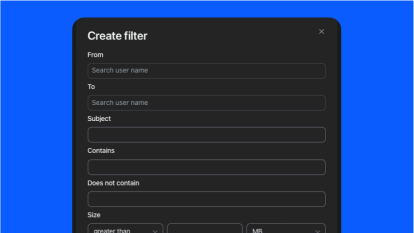
Automate your inbox with custom email filters

Automate your inbox with custom email filters

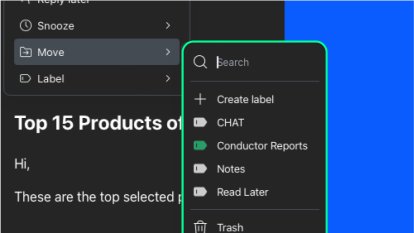
Efficiently organize your email inbox with custom filters for labeling, archiving, and deleting messages.

Organize emails

Organize emails

Use labels and filters to find the messages you need, quickly.

Zoom MailサービスとZoom Calendarサービスをお試しください

Zoom Mail & Calendarのクライアントは、Zoom MailサービスとZoom Calendarサービスという、新しい2つのサービスとも連携するよう設計されています。

Extend the power of Zoom Workplace

Connect, collaborate, and get more done wherever you work with thousands of ready-to-use apps and integrations.

  • Streamline communications and scheduling

    Connect with platforms like Microsoft Teams and Google Workspace to easily manage schedules, communicate with context, and share information.

  • Enhance document collaboration

    Empower your teams to access, create, and collaborate on shared documents, presentations, and design files across meetings and chat conversations.

  • Supercharge projects and productivity

    Keep track of your work without leaving the flow of work, thanks to Zoom’s integrations with leading project management and productivity tools.

Extend the power of Zoom Workplace

FAQ(よくある質問)

Zoom Mail Client

Zoom Mailクライアントは、Zoom Mailサービスに加え、GmailまたはMicrosoft 365のメールサービス(Exchange)と接続できます。

はい、Zoom MailはZoom Workplaceアプリの一部です。[Mail] プロダクトタブが表示されていない場合は、Zoom Workplaceアプリを最新バージョンに更新するか、システム管理者がメールオプションを有効にする必要があります。

Zoom Calendar Client

Zoom Calendarクライアントは、Zoom Calendarサービスに加え、GoogleまたはMicrosoft 365カレンダーサービス(Exchange)と接続できます。

はい、Zoom CalendarはZoom Workplaceアプリの一部です。[Calendar] プロダクトタブが表示されていない場合は、Zoom Workplaceアプリを最新バージョンに更新するか、システム管理者がメールオプションを有効にする必要があります。

Zoom Mail & Calendarクライアントの利用を開始

Zoomユーザーなら誰でも、Zoom MailクライアントとZoom Calendarクライアントを今すぐご利用いただけます。使用前に、IT管理者が有効にしなければならない場合があります。