

With Zoom Chat, you get the meeting experience you already rely on—plus chat, channels, and built-in AI—all in one place. No extra cost and no walled-off ecosystem.
Select a language
With Zoom Chat, you get the meeting experience you already rely on—plus chat, channels, and built-in AI—all in one place. No extra cost and no walled-off ecosystem.

Director of Digital Workplace, Convera

Zoom Chat core features included at no additional cost with all plans.
Core AI chat features, unlimited AI note-taking and AI document creation (Canvas) included with paid Workplace plans starting at per user per month billed annually.
Basic chat functionality included with all paid plans.
AI capabilities add-on (Microsoft 365 Copilot): $21 per user per month billed annually for SMB (under 300 seats) and $30 per user per month billed annually for enterprise.
Robust core AI chat features included. Advanced agentic and completion features require ZoomMate plan.*
Limited AI features included (suggested replies, basic Copilot Chat with web data only).
Advanced AI features require Copilot license.
Requires additional ZoomMate plan*
Users can invoke agents with slash commands (/) or mentions (@) for private or public interactions.
Agents connect with Zoom products, internal MCPs, and third-party tools to enhance workflows.
Yes
Requires M365 Copilot (which includes Copilot Studio)
Requires Premium or CoPilot license
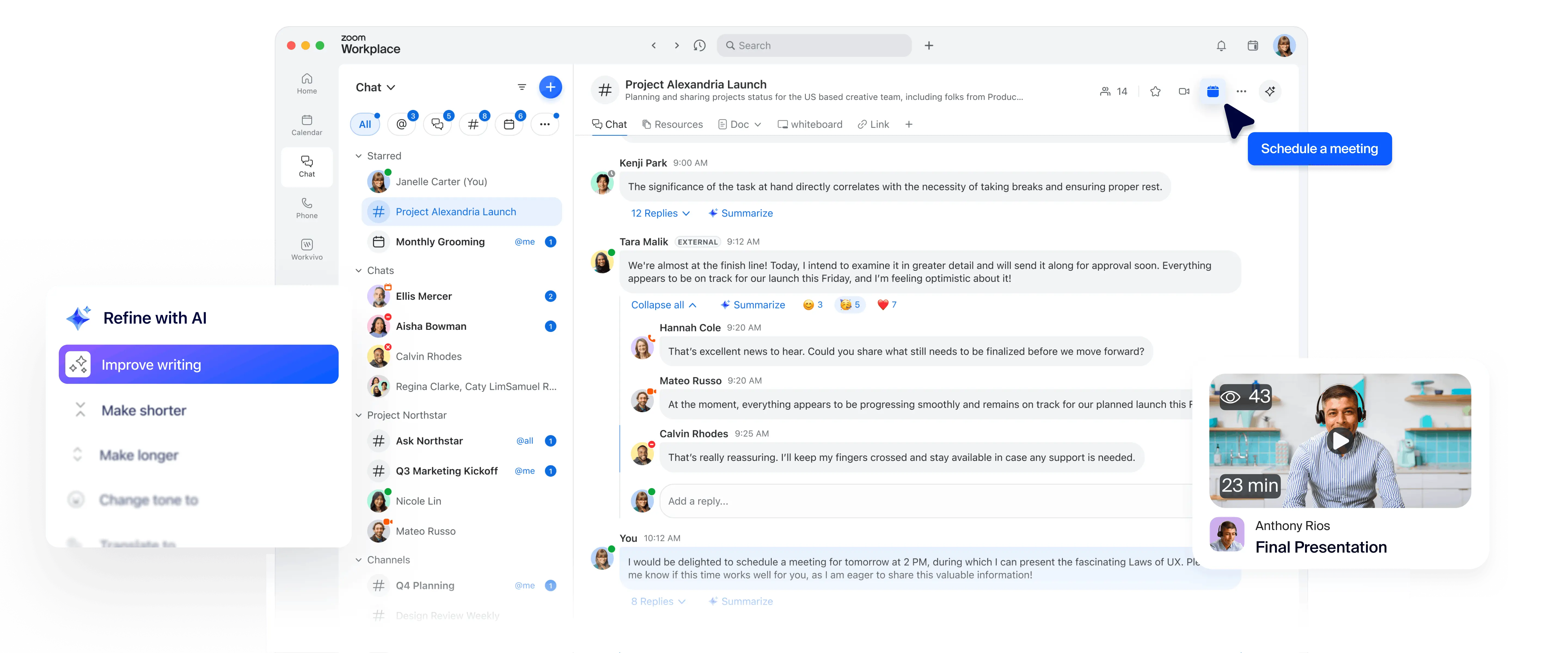
Summarization of threads and channels is one click away and built into chat
Requires additional CoPilot license
Requires Copilot license for full compose/rewrite; basic suggested replies included
Requires additional CoPilot license
Requires additional CoPilot license
Yes - Zoom Chat brings all your communication—before, during, and after meetings—into one seamless experience.
As a Zoom Meeting user, you won't need to switch to other apps for the rest of your conversations.
Post-Zoom Meeting conversations require switching between Zoom and Microsoft Teams.
Supports advanced search across the entire Zoom Workplace platform, including chats, docs, emails, whiteboard. Agentic search available for third-party applications like Google and Microsoft with a ZoomMate plan.*
Supports search across Microsoft 365
Email is handled via a separate client.
Create a shared space for project collaboration that only select members can access.
Stay organized on all aspects of the project with multiple channels within a shared space.
Onboard a team member to a shared space and they’re instantly added to all associated channels.
A team in Microsoft Teams is a collection of channels with the same roster.
—
Only channels
Via 'Save this message' feature
With a paid add-on or Zoom Workplace Enterprise plan
Feature and price comparisons based on publicly available information as of July 2026
*Use of advanced and metered AI features requires a ZoomMate subscription and available AI Credits. Learn more.
Feeling stuck with Microsoft? We make it easy to migrate your organization’s chat history.